Can You Really Make Games Without Coding?
One of the most common myths in game development is that you must learn coding before you can make a game.
In reality, thousands of beginners, students, and hobby creators are building and publishing games without writing a single line of code. we make 10 easy game ideas for beginners no coding list below.
Thanks to Unity templates, visual editors, drag-and-drop systems, and ready-made game projects, creating your first game in 2026 is easier than ever.
This guide focuses on easy game ideas for beginners no coding, making it ideal for students, hobby creators, and first-time game developers.
If you’re:
- A student looking for a game development project
- A beginner scared of programming
- A hobby creator exploring game ideas
- Someone searching for “no coding required game ideas”
This guide is written exactly for you.
Table of Contents
What Does “No Coding Required” Really Mean?
“No coding required” does NOT mean there is zero logic involved. No code game ideas allow beginners and students to create playable games using templates and visual tools instead of writing code.
It means:
- You don’t need to write code manually
- You use pre-built systems
- You change values, assets, and settings
- You focus on design and creativity
In most beginner cases, no-code game creation involves:
- Unity templates
- Drag-and-drop mechanics
- Visual editors
- Inspector-based settings
Who Should Build No-Code Games?
No-coding game ideas are perfect for:
🎓 Students
- College / university projects
- Final year projects
- Portfolio building
🎮 Beginners
- First game experience
- Learning game structure
- Confidence building
🎨 Hobby Creators
- Fun side projects
- Creative experiments
🚀 Indie Starters
- MVP testing
- Rapid prototyping
Tools That Help You Create Games Without Coding
Before jumping into ideas, here are tools beginners usually use:
- Unity (with templates)
- Visual scripting tools
- Pre-made controllers
- Asset Store projects
- Game kits & templates
- Gamesclouds Ready Projects
You don’t need to understand programming syntax to use these.
10 Easy Game Ideas for Beginners (No Coding Required)
Below are proven, beginner-friendly game ideas that work without coding when built using templates or ready projects. these are all type of beginner game projects and no code game ideas below.
1️⃣ Endless Runner Game
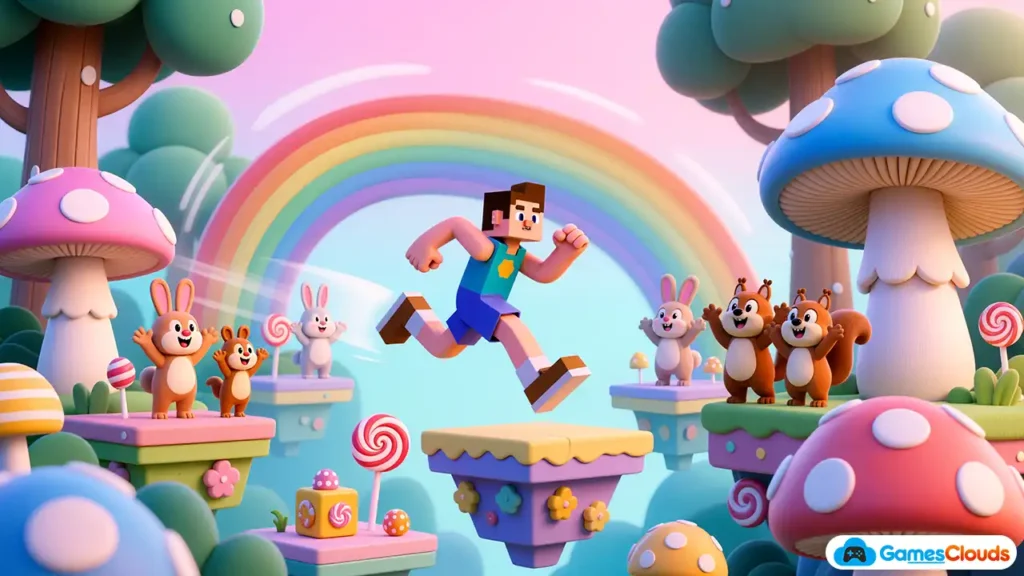
An endless runner is one of the easiest games to create. An endless runner is a fast-paced game where the player keeps moving forward while avoiding obstacles and collecting rewards.
These games are popular because they use simple controls, repeatable gameplay, and work perfectly for beginners using ready-made templates. this is best beginner game projects.
Why it’s beginner-friendly:
- Simple mechanics
- No complex logic
- Easy level design
Examples:
- Subway-style running
- Jungle run
- Temple escape
You only need to change:
- Player character
- Environment
- Obstacles
Perfect for students and first-time creators.
2️⃣ Simple Quiz Game
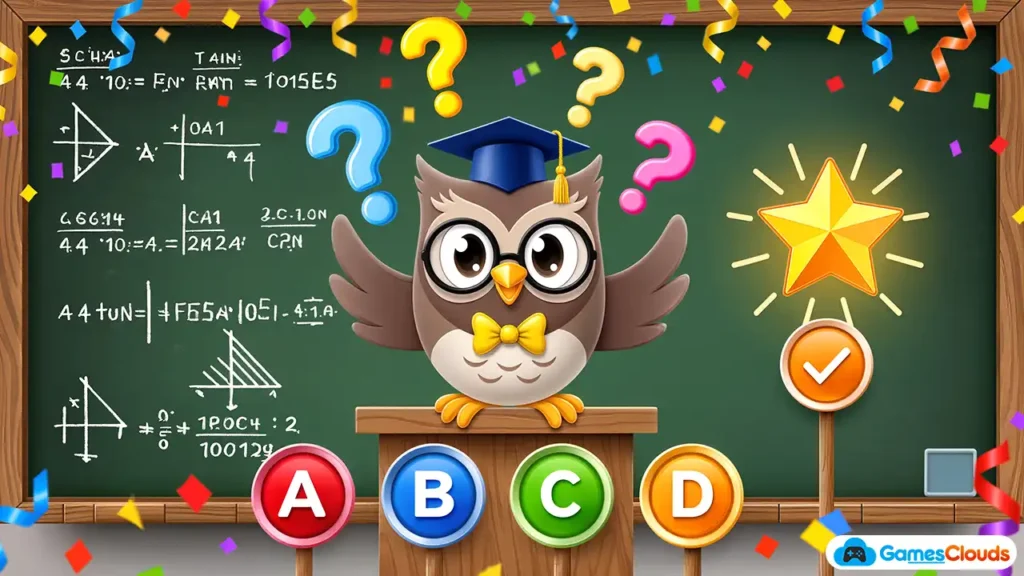
Quiz games are extremely popular and easy. A quiz game focuses on answering questions, usually in multiple-choice or true-false format.
It is ideal for beginners because it relies more on UI and content creation than complex gameplay mechanics.
Why it works:
- No physics
- No AI complexity
- Mostly UI-based
You can create:
- MCQ quiz
- Educational quiz
- Trivia games
Great option for:
- School projects
- Learning UI/UX
- Educational apps
3️⃣ Tap to Jump Game
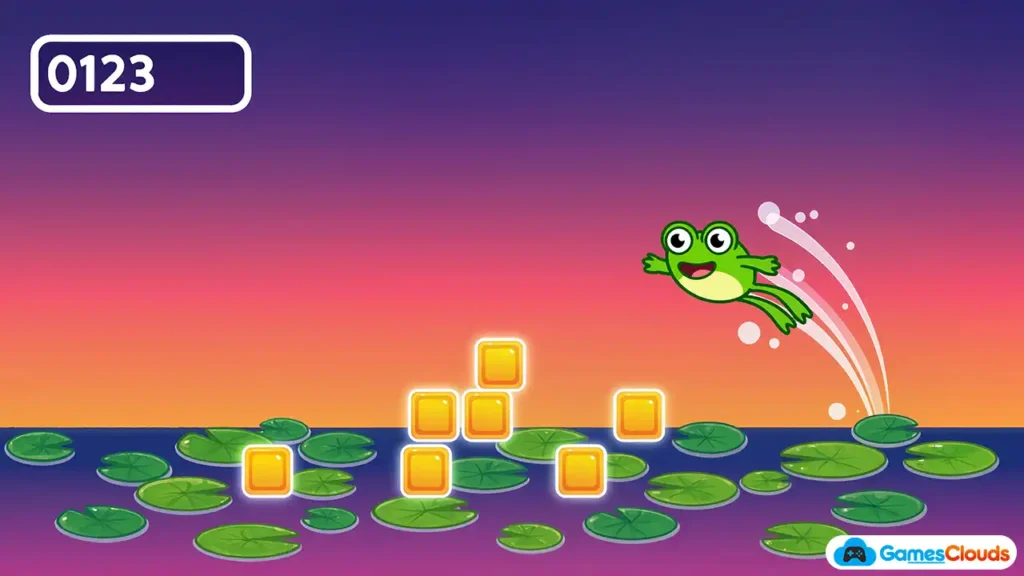
A single-tap game where timing matters. In a tap-to-jump game, the player taps the screen to make a character jump and avoid obstacles.
This type of game is easy to understand, quick to build, and perfect for first-time game creators.
Gameplay:
- Tap → jump
- Avoid obstacles
- Score increases
This idea teaches:
- Game flow
- Scoring systems
- UI basics
No coding required when using tap-based templates.
4️⃣ Simple Puzzle Game
Puzzle games don’t need heavy logic if you use templates. A simple puzzle game challenges players to solve problems such as matching tiles or arranging objects.
These games are logic-based but beginner-friendly, especially when built using pre-configured puzzle systems.
Examples:
- Match tiles
- Slide puzzle
- Shape fitting
Why beginners love it:
- Relaxing
- Easy visuals
- Works on mobile & PC
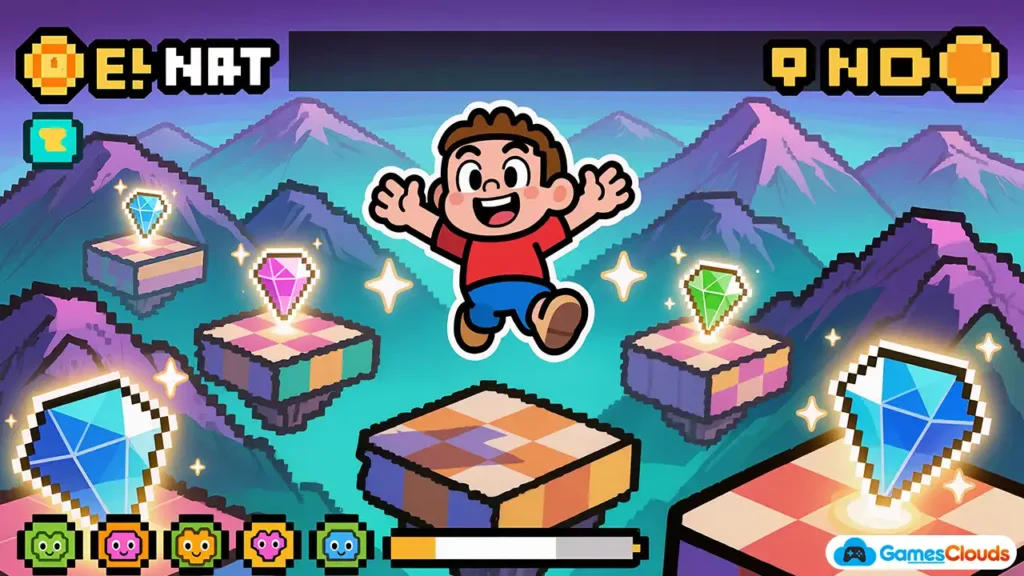
5️⃣ 2D Platformer (Template-Based)
A basic platformer using a ready character controller. A 2D platformer involves controlling a character that jumps between platforms and completes levels.
With templates, beginners can focus on level design and visuals without needing to write code.
You can change:
- Levels
- Graphics
- Backgrounds
Coding is already handled in templates – you only design levels.
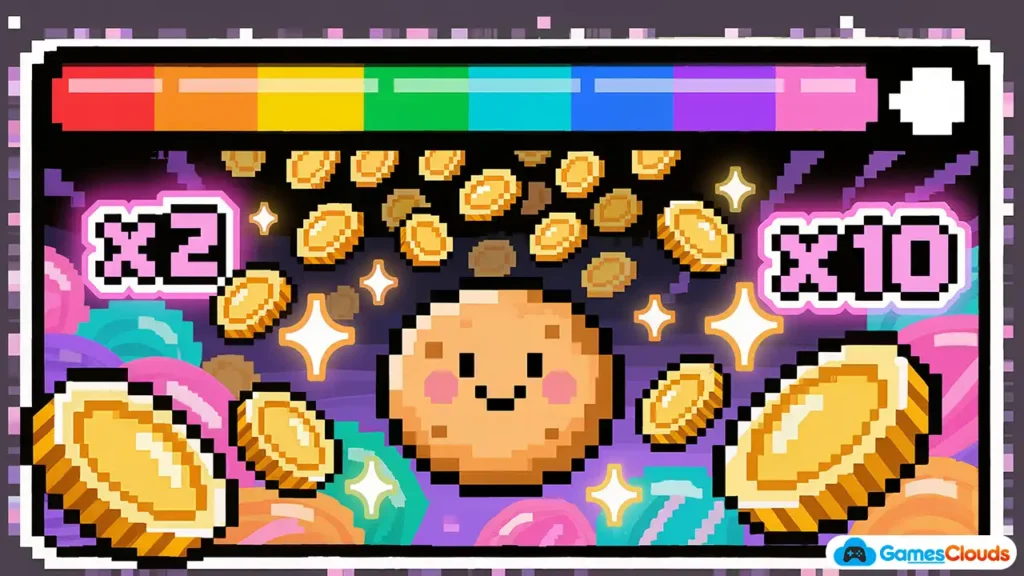
6️⃣ Clicker / Idle Game
Clicker games are perfect no-code projects. Clicker or idle games allow players to earn points or resources by tapping or clicking repeatedly.
They are one of the simplest game types to create and are commonly used by beginners and students.
Why:
- Simple mechanics
- Inspector-based values
- No physics required
Examples:
- Cookie clicker
- Idle tycoon
- Resource tap games
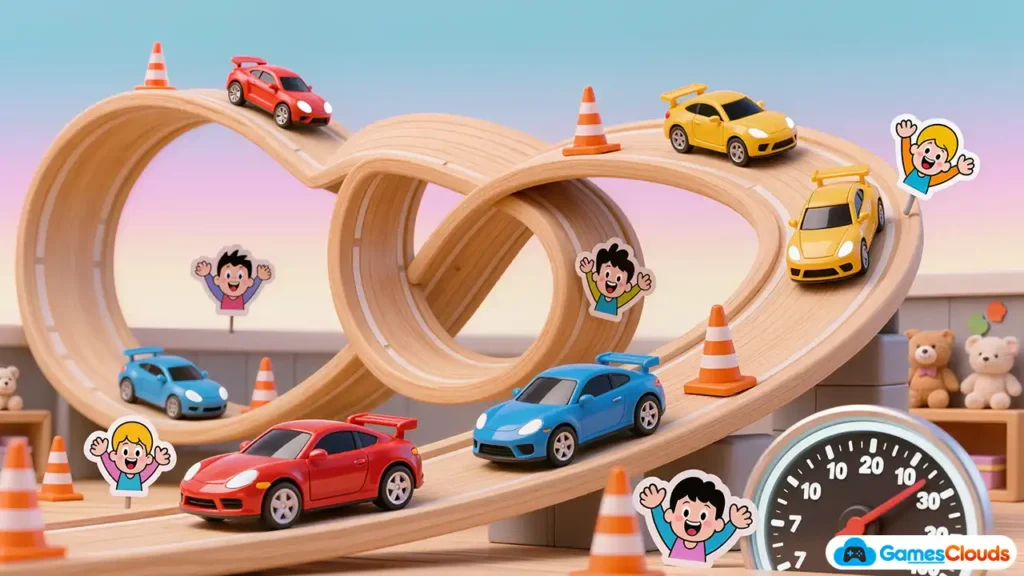
7️⃣ Car Driving / Simple Racing Game
Racing templates are very popular. A simple racing game lets players control a vehicle and complete tracks or challenges.
Using racing templates, beginners can adjust speed, visuals, and environments without dealing with complex physics coding.
Beginner tasks:
- Change car model
- Adjust speed
- Design track
Physics and controls are pre-built.
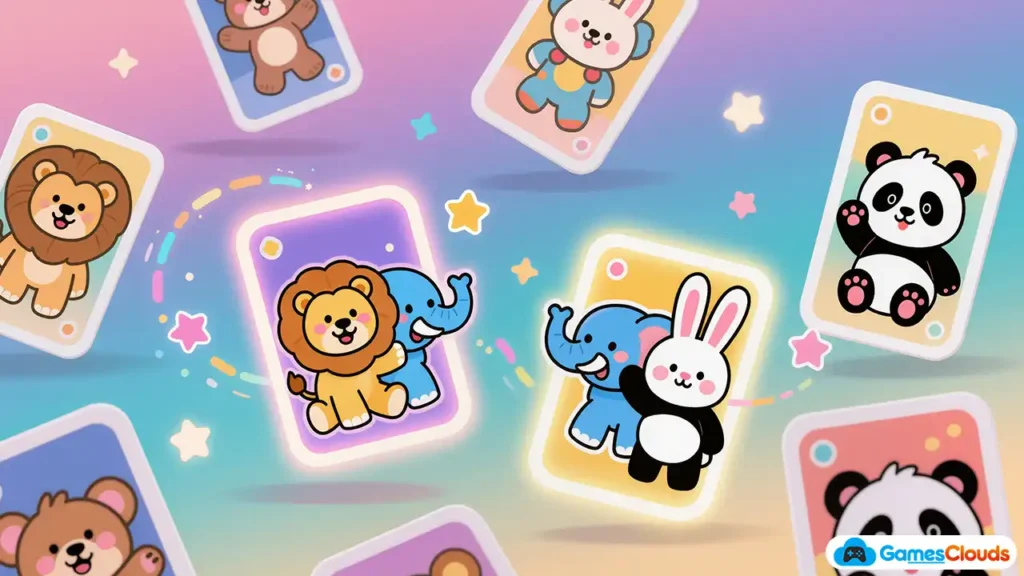
8️⃣ Memory Card Game
Flip cards and match pairs. A memory card game is based on flipping cards and matching identical pairs.
It is widely used in student projects because it is easy to understand, educational, and simple to customize.
Why it’s perfect for students:
- Logic already exists
- Strong cognitive element
- Easy UI work
Often used in:
- Game development projects
- Educational apps
9️⃣ Shooting Gallery Game
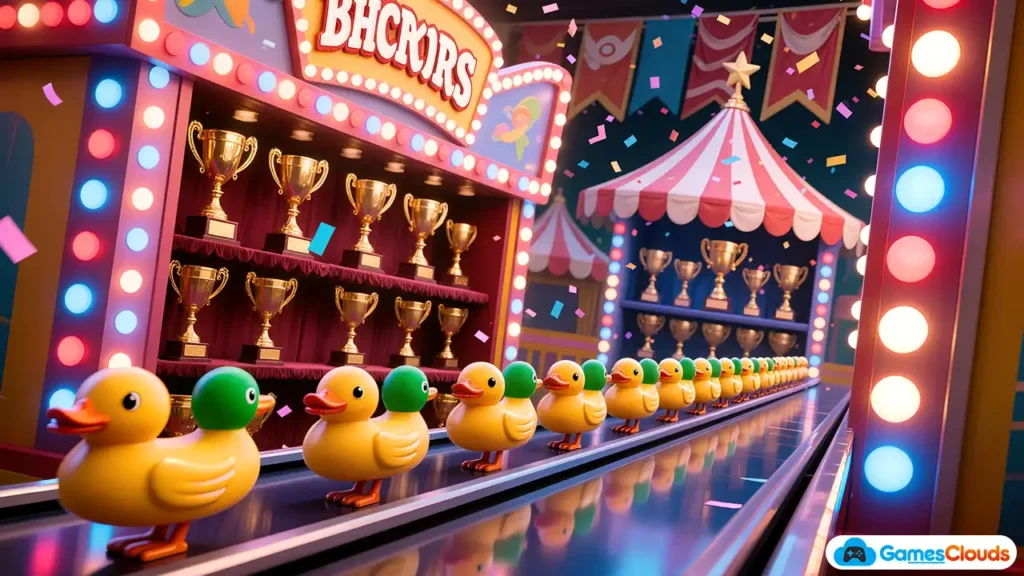
A simple target shooting game. A shooting gallery game involves aiming at static or moving targets to score points.
This game type uses basic interaction mechanics and is suitable for beginners using pre-built shooting systems.
Mechanics:
- Aim
- Tap / click
- Hit targets
No advanced AI required.
🔟 Simple Simulator Game
Simulation games are very popular and beginner-friendly when template-based. A simple simulator game represents everyday activities such as managing a shop or driving a vehicle.
Beginners can create these games by modifying environments, UI, and objects while using an existing simulator framework.
Examples:
- Shop simulator
- Driving simulator
- Mini management game
You mainly change:
- Assets
- UI
- Environment
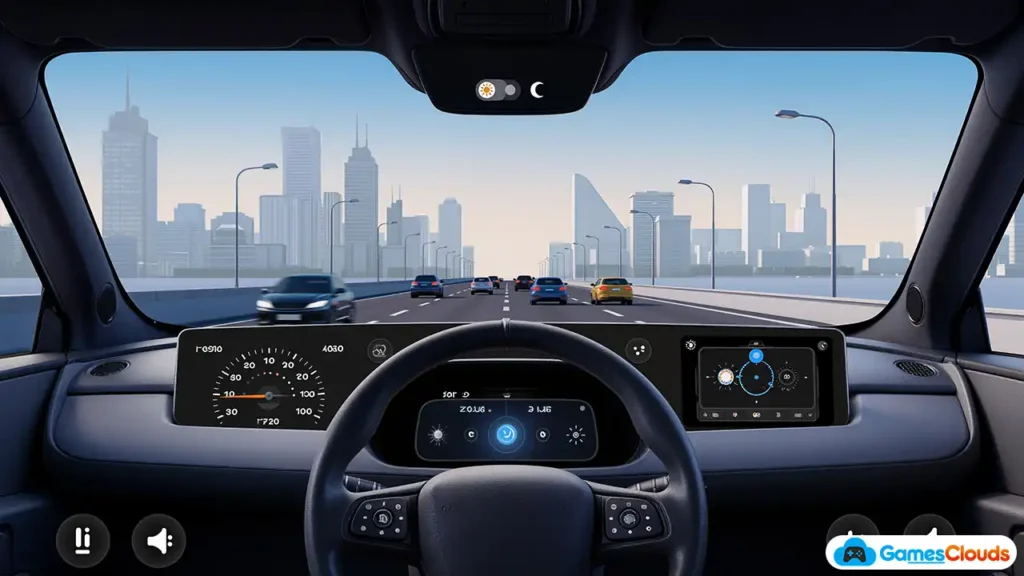
You can start this project using our simulator-style Unity game templates, designed for reskinning and easy customization.
Game Projects for Students – Why These Ideas Work
Many students look for game ideas that are simple, easy to understand, and suitable for academic projects. The game ideas discussed in this article work especially well for students because they are easy to explain during presentations, simple to document in project reports, and do not require heavy programming knowledge. these are simple unity game ideas.
These beginner-friendly games also allow students to focus on creativity, game design, and user experience rather than complex code. As a result, they are commonly used in college assignments, final-year projects, and beginner-level game development submissions.
- game projects for students
- simple unity game ideas
- game development project pdf
These ideas work because:
- They are easy to explain
- Easy to document
- Easy to present
- No heavy programming
Perfect for academic submissions.
Simple Unity 3D Game Ideas Without Coding
Unity allows beginners to:
- Use pre-built 3D controllers
- Drag prefabs
- Adjust settings visually
That’s why simple Unity 3D game ideas rank well in search results.
Build Faster Using Unity Templates
If you want to build your first game without coding, the smartest approach is to start with ready-made Unity templates.
Using templates allows beginners to:
- Understand game structure
- Modify gameplay visually
- Focus on design instead of programming
👉 You can explore Unity templates and beginner-friendly game projects on GamesClouds to start building faster.
Learning Game Design Without Programming
Even without coding, you learn:
- Game balance
- Player experience
- UI/UX principles
- Level flow
This builds a strong foundation before learning programming later.
Video Reference – Learn Visually
If you prefer learning through videos, this tutorial explains beginner-friendly no code game ideas in a simple way:
👉 Watch this video for visual understanding:
https://www.youtube.com/watch?v=aa-Fu5Qw91M
This video complements the ideas explained in this article and helps beginners visualize how no-code game creation works.
Also read our new articles about how to earn money with mobile games and How to Earn Money with PC Games (Steam, Epic, Itch.io & Indie Publishing Guide
Conclusion: Start Small, Build Confidence
Creating games without coding is no longer a shortcut – it’s a smart learning path.
By starting with simple game ideas and Unity templates, beginners can build confidence, understand game design, and move forward step by step.
If you’re just starting out, don’t wait to “learn everything first.”
Start with easy, no-coding game ideas, build something real, and grow from there. These easy game ideas for beginners no coding help you learn game design step by step without feeling overwhelmed by programming.
People Also Ask (FAQs)
What are the 10 most popular games?
Popular games vary by platform, but common genres include action, racing, puzzle, simulation, and casual games.
What is a 1 minute game?
A 1 minute game is a very short game experience designed for quick play sessions, often used in game jams or casual mobile games.
What are 10 indoor games?
Indoor games include board games, card games, puzzles, memory games, quizzes, and simple digital games playable at home.
What is the simplest game to code?
The simplest games are clicker games, quiz games, and tap-based games especially when using templates.
Which game is in No. 1?
There is no single permanent No. 1 game, as rankings change over time. However, games like Minecraft, Grand Theft Auto V, and Tetris are often considered top-ranking games based on sales, popularity, and long-term impact.
What game sold 300 million copies?
Minecraft is the game that has sold over 300 million copies, making it the best-selling video game of all time across PC, console, and mobile platforms.
Which game has 1 billion downloads?
Minecraft and Subway Surfers are among the few games that have crossed 1 billion downloads, mainly due to their massive popularity on mobile platforms.
What are the big 3 in gaming?
The “Big 3” in gaming usually refers to the three major console companies: Sony (PlayStation), Microsoft (Xbox), and Nintendo. These companies dominate the global console gaming market.
What is the #1 game of all time?
Based on total sales, cultural impact, and long-term popularity, Minecraft is widely regarded as the #1 game of all time.